Sketch No. 1

The Mac app
The Self-Winding Machine
A proper macOS app with the server inside. Signed and notarized, updates itself in one click, and keeps a tray icon in your menu bar for remote access and updates.
The AI workstation for writing code.
A Mac app for running Claude Code, Codex and friends on your own repositories: several at once, each with its own terminal, branch and permissions, every token on screen and the risky ones in a very nice cage. Reach it from your iPhone, too.
Free and open source (MIT) · Apple Silicon · macOS 13.4+

Eggify runs on your Mac, in its own window or a browser tab. AI agents write, run and test code in your repositories while you watch, steer and approve.
-  row := store.Find(token)
+  row := store.Find(hashToken(token))
ok internal/auth 0.42s 38 passed
Eggify in a minute: real screens, a posh announcer and, inevitably, the foot.
Everything a developer needs to keep a troupe of AI coding agents productive, accountable and, broadly speaking, under control.
A proper macOS app with the server inside. Signed and notarized, updates itself in one click, and keeps a tray icon in your menu bar for remote access and updates.

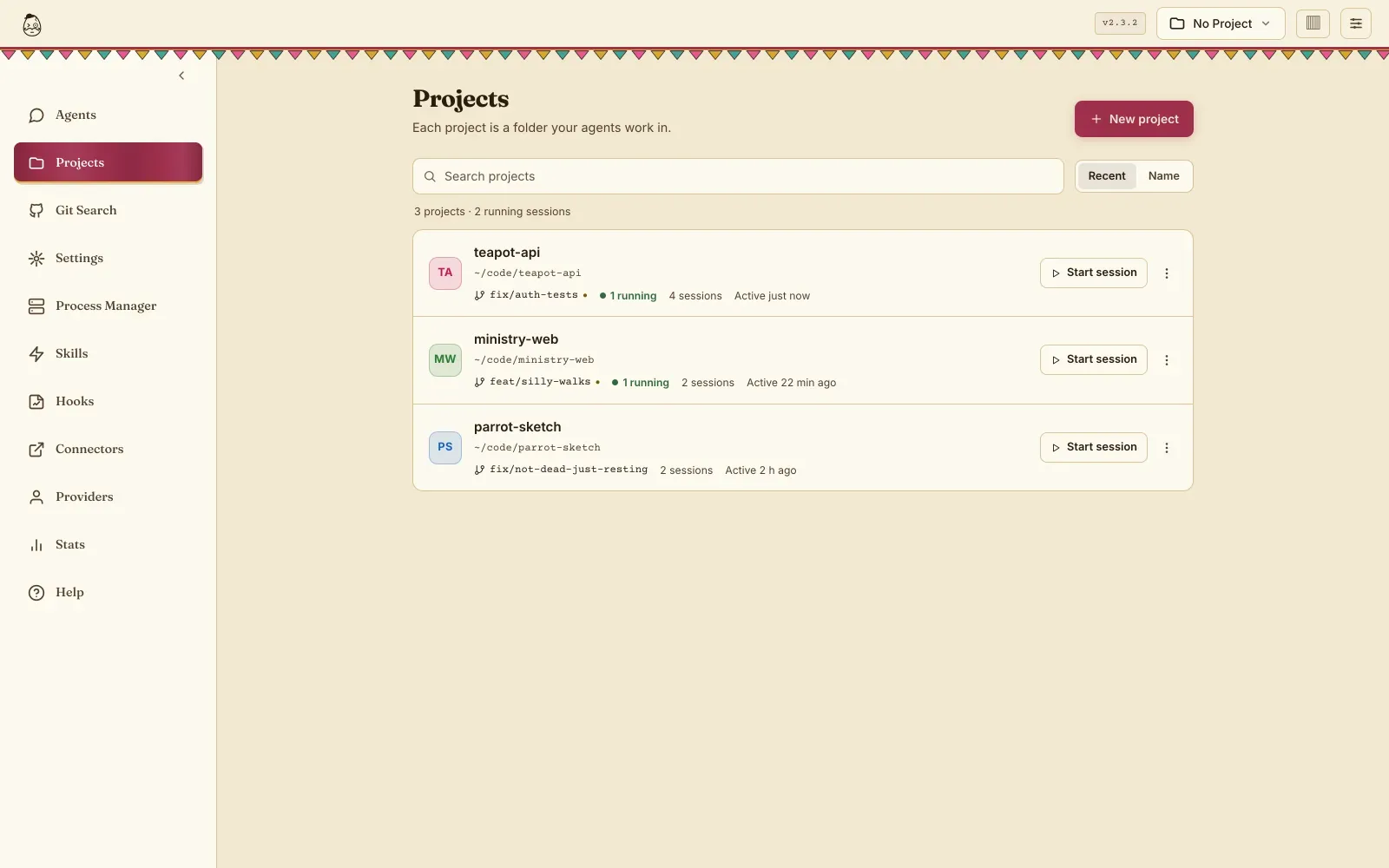
Run several agents side by side, each with its own folder, branch, terminal and permissions. Open a folder, clone a repository or start an empty project, then start a session there.

On first start Eggify checks that Claude Code and Codex are installed and logged in, and walks you through the login or an API key if they are not.
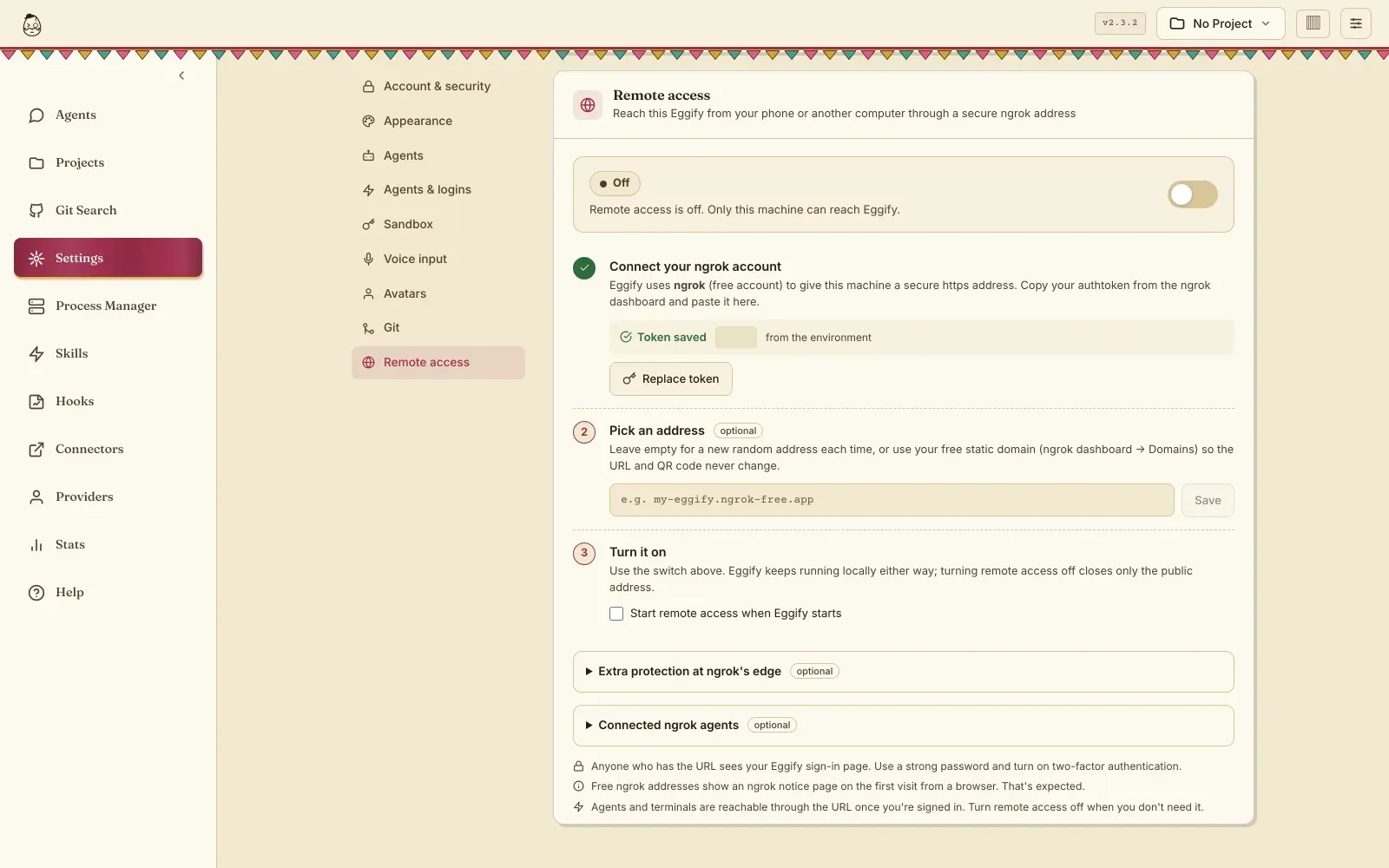
Switch on remote access over ngrok from Settings and get a public address with a QR code. Point your iPhone camera at the pairing code and the iOS app signs straight in.

One ⌘K palette for sessions, projects, actions and settings, one set of native shortcuts and Mac menus. And ⌘. stops a runaway agent, firmly but politely.

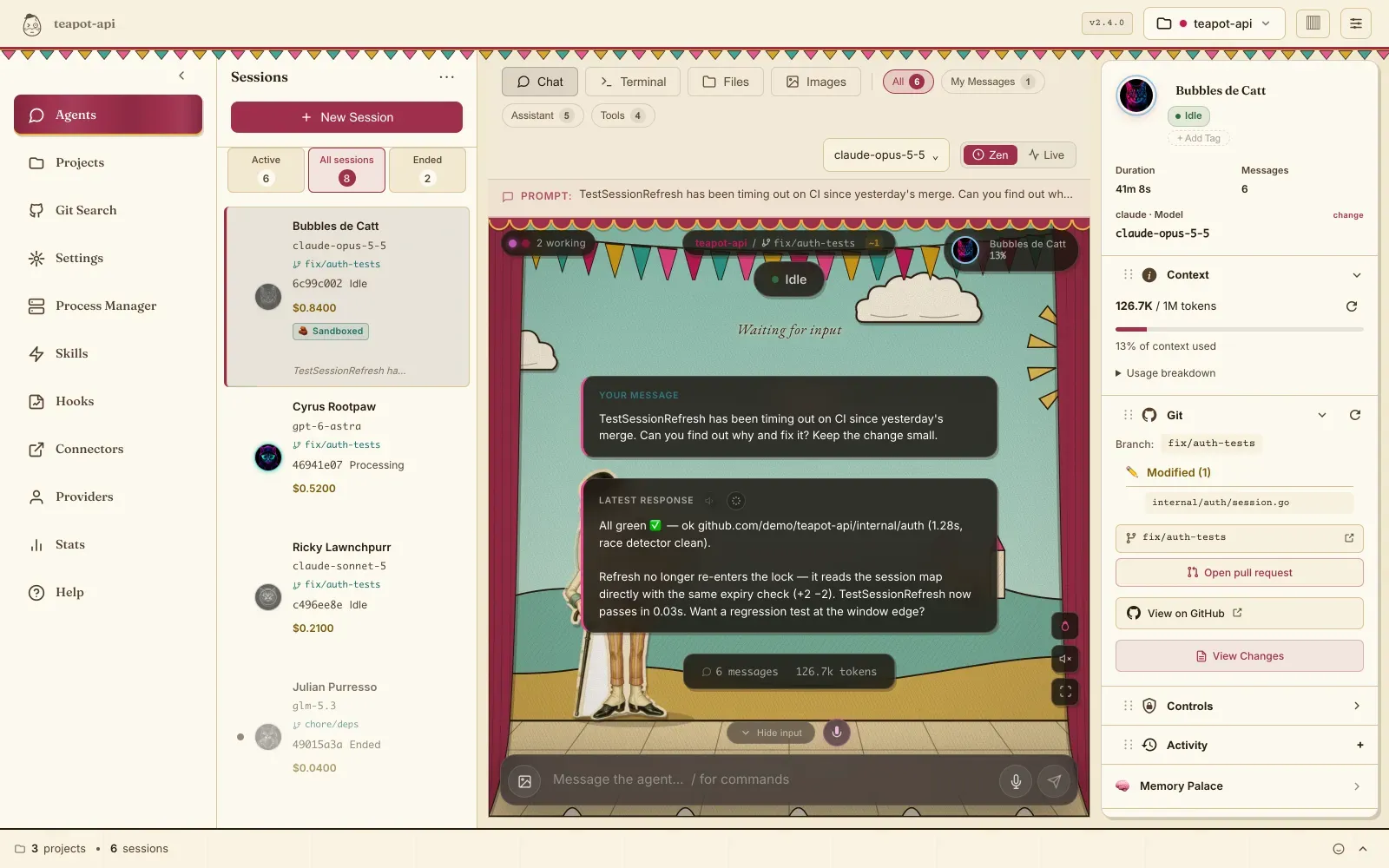
Zen turns a session into a paper puppet show: tool calls become gags, subagents walk on as cut-out characters, errors bring down the foot. The Puppet Theatre theme dresses the whole app to match.

Claude, OpenAI Codex, DeepSeek, GLM, Kimi or any Anthropic-compatible endpoint. Move a live session to another model and the conversation comes along.

Sandboxed sessions with an egress allowlist, tool-by-tool approvals, protected secrets and workspace trust. And YOLO mode, for when you simply want it done.

Live tokens, costs, tool calls, git status and running processes, streamed the moment they happen. Every cent accounted for.
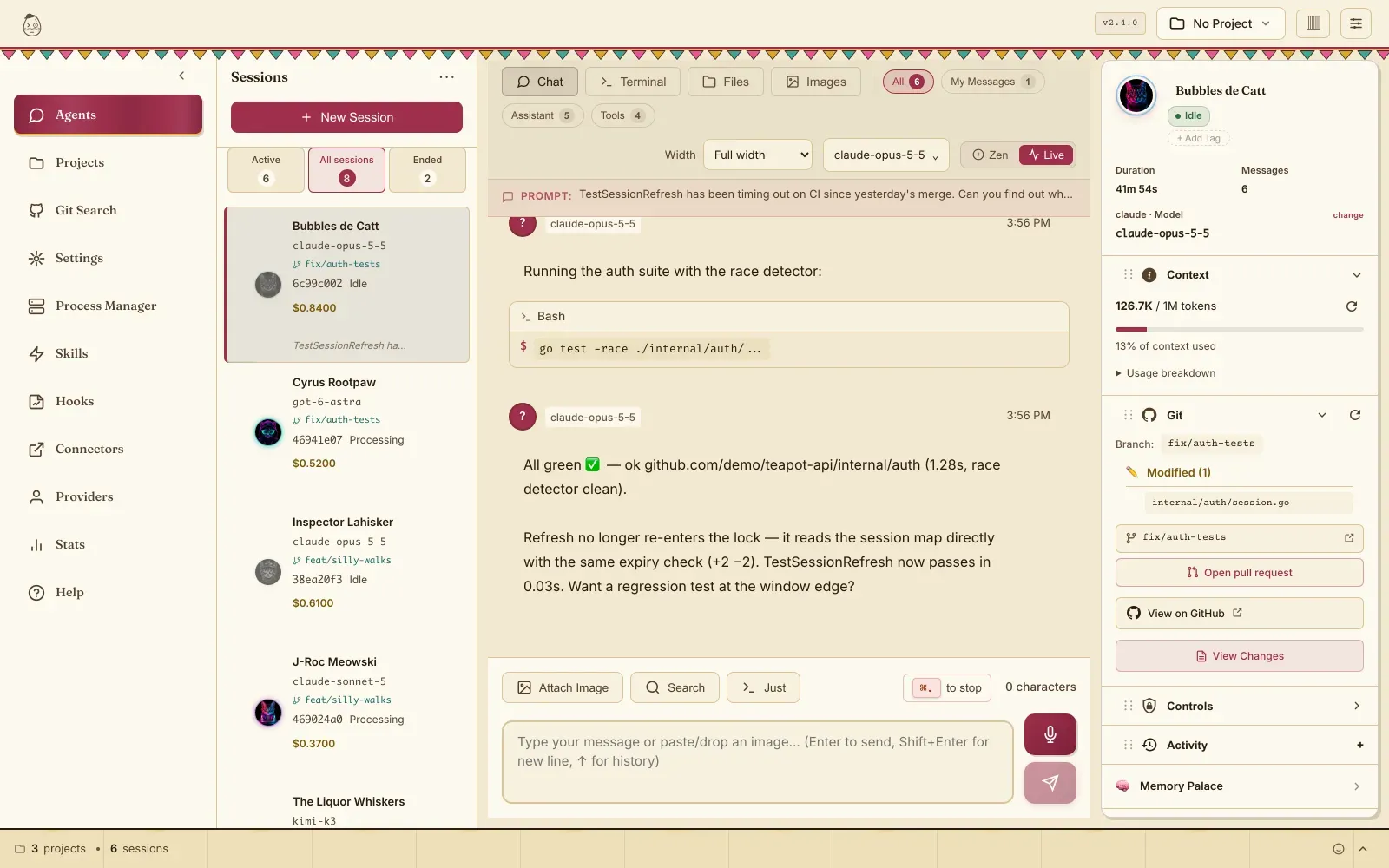
Real screens in the Puppet Theatre theme. The egg is optional; the curtains are not.
“I came here for an argument with my agents, and got a perfectly reasonable audit trail.”A satisfied operator, probably
Eggify is free and open source. Download, drag, open.
The whole workstation in one app, server included. Drag it to Applications, open it, and it keeps itself up to date. It is free, open source (MIT), and the code is on GitHub.
Drag Eggify to Applications and open it, then choose an admin username and password.
Eggify checks that Claude Code and Codex are installed and logged in, and helps you log in or add an API key.
Open a project folder (or clone one), press ⌘N and start a session. Pair your iPhone from Settings if you like to supervise from the sofa.